

Gildan Adult Heavy Cotton 8.8 oz./lin. yd. T-Shirt | G500
April 28, 2026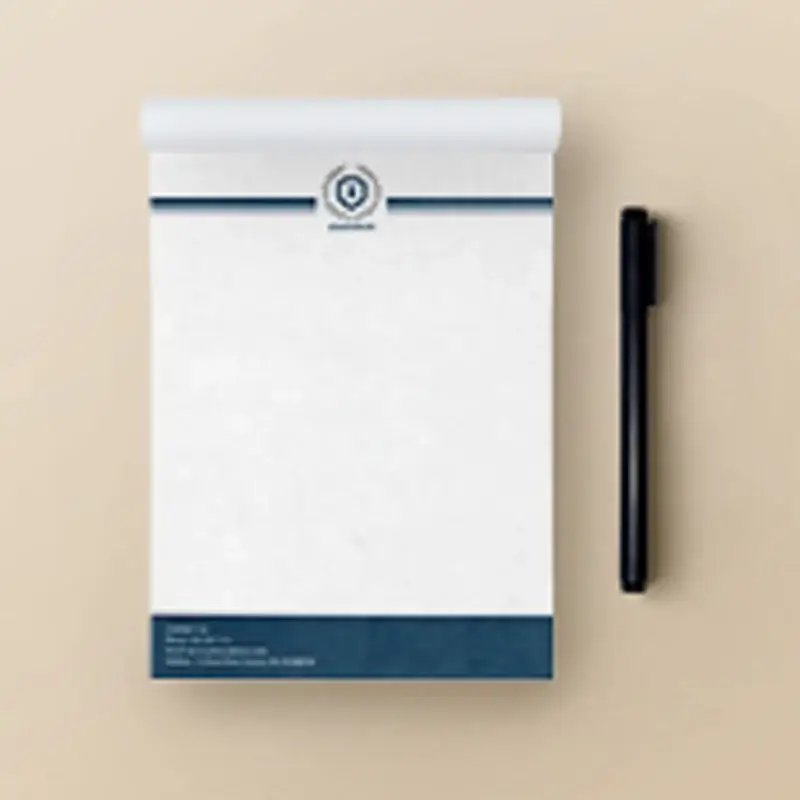
Notepads 50 Pages
Price range: $343.57 through $460.07
Custom-branded notepads with 50 tear-off pages — a simple, practical way to keep your business top of mind every time they jot something down.
Branded notepads with removable pages that can be used for writing notes. Includes a 14pt C2S gloss backing (typically used for our 14pt business cards/postcards). These notepads have 50 sheets each.
Notepads 50 Pages (60lb Uncoated)
| Paper Type |
60lb Uncoated Stock |
||||
| Coating |
No Coating |
||||
| Color |
Full color CMYK, 1-sided (4/0) |
||||
| Quantities |
Ranges from 25 to 1,000 |
||||
| Sizes |
|
||||
| Finishing |
Cut to size, glued and boxed. Each pad includes 14pt backing. Bundling is optional. |
||||
| File Type |
Print-ready PDF file |
| Size | 5.5” x 8.5” |
|---|---|
| Qty | 100, 50 |
| Sets | 1 |
| Turnaround | 6-7 Business Days |
PDF template references:
You can download the PDF template below and follow the specifications inside
- 5.5” x 8.5”
Artwork Preparation Tips
- Be sure to DELETE any hidden layers that are not intended to print (ie: setup guide layers or other hidden artwork layers) to ensure no risk of them appearing on the final print.
- Files must be submitted with proper orientation to ensure proper back up. Please review the File Orientation Guides carefully in the File Prep tabs for your particular product.
- It is best to try to avoid using borders in your design. If a border is too close to the trim, the trim may be slightly off-center.
- Ensure that your PDF is high res and that all images are CMYK at 300 DPI.
- All type must be outlined (not embedded).
- Do not supply files with linked images, form fields, comments, or annotations, as these will not be printed.
- If file contains a dieline, it must be a separate spot colour called Dieline and be on its own layer.
- The dieline shape must be a single path stroked.
- Please provide vector only artwork for type, logos, shapes and all other artwork. Only provide embedded raster artwork for actual 4/C images.
- The trim size of the Illustrator file must match the final trim size of the label. Use bleed settings in Illustrator of 0.0625 inches minimum each way.
- If you select a White Ink option with your order, please supply a single file that includes CMYK (if necessary) and a spot colour called exactly White_Ink. Do not supply separate files for CMYK and White Ink. If you want white ink to print under a blue colour, you need to set either the blue shape or the White_Ink shape to overprint to achieve this. You may also want to set a White_Ink shape to knockout so nothing prints on top of it. Remember to set overprints on any Dieline.
- File should be CMYK only (no RGB) with a Dieline and/or White_Ink spot colour depending on your order specifications.
- If you select Black Only option on your order, the file you supply should be K only (not CMYK or RGB) with a Dieline and/or White_Ink spot colours depending on your order specifications.
- Thin White Text on Rich Black Backgrounds
While SinaLite maintains strict quality standards, minor shifts in printing are possible. Thin or small white text knocked out from a rich black background is prone to printing issues, such as color bleeding, filling in, and poor readability due to slight misregistration. We recommend preparing files with the following tips in mind.- Use C30 M20 Y20 K100 for Rich Black
Use this recommended rich black formula to minimize oversaturation and registration problems. Avoid heavier CMYK builds like C60 M60 Y60 K100, which can increase color shift risks. - Thicken White Knockout Text
Increase the thickness of white text knockouts to prevent them from filling in or becoming unreadable.- Recommended minimum line weight: 0.75pt
- Recommended minimum font size: 8pt
- Apply Swelling
Swelling (slightly enlarging knockout areas) compensates for minor ink spread on the press. Slightly increasing the size of the white knockout text can help maintain crispness after printing.
- Use C30 M20 Y20 K100 for Rich Black
( * file extension allowed: .pdf )

Reviews
There are no reviews yet.